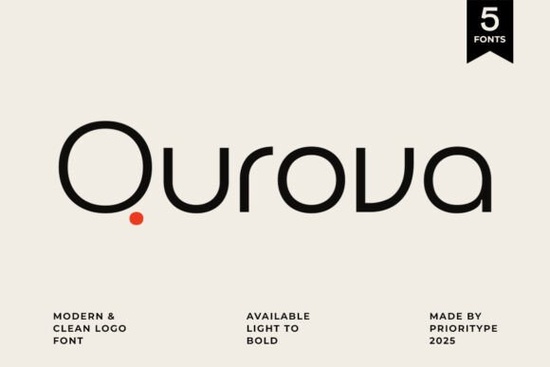
Choosing the right typeface can make or break a branding project. If you've been searching for a clean, professional font that works across multiple design contexts, Qurova is worth a close look. This modern sans-serif typeface was built with branding and corporate design in mind, offering a full weight range that gives you real flexibility without cluttering your font library.
What Makes Qurova Different From Other Sans-Serif Fonts?
There are thousands of sans-serif fonts available, so what sets this one apart? Qurova's design approach focuses on balancing simplicity with personality. The letterforms are clean and geometric enough for corporate use, but they have subtle details that keep them from feeling generic.
Here's what you get with this typeface:
- Full weight range from Thin to Bold, so you can create visual hierarchy without mixing different font families
- Clean, consistent letterforms that hold up well at both large display sizes and smaller body text
- Versatile character set suitable for logos, headlines, packaging, and digital interfaces
- Professional tone that works for corporate branding without feeling cold or lifeless
The weight variety alone makes it practical. Instead of pairing two or three different fonts, you can stick with one family and create contrast through weight changes. That keeps designs cohesive and saves time during production.
Who Should Use This Typeface?
Qurova works well for a range of creative professionals and business owners:
- Logo designers who need a typeface that looks polished in brand marks
- Small business owners creating their own marketing materials, menus, or business cards
- Print-on-demand sellers designing t-shirts, mugs, and posters that need readable, stylish text
- Crafters and hobbyists working on invitations, planners, or social media graphics
- Web and UI designers looking for a screen-friendly typeface with good legibility
If your work involves any kind of visual identity from a full brand system to a simple Etsy shop banner having a reliable sans-serif like this in your toolkit makes the process smoother.
How Does It Compare to Similar Fonts?
If you're exploring different options, it helps to compare. For example, a more decorative alternative like this geometric display font takes a different creative direction. While Six Sound Font leans into bold, expressive styling, Qurova keeps things understated and functional.
That's the key distinction: Qurova is designed to support a brand, not overpower it. It works as a foundation typeface the kind you use consistently across business cards, websites, packaging, and presentations without worrying about it clashing with other design elements.
Think of it this way:
- Need something attention-grabbing for a poster or headline? A display or decorative font might be a better pick.
- Need something reliable and professional for everyday branding? That's where a typeface like Qurova fits in.
Is It Practical for Commercial Projects?
Yes. When you purchase fonts through Creative Fabrica, the licensing typically covers both personal and commercial use. That means you can use Qurova for client work, products you sell, and business materials without extra licensing headaches.
Just make sure to check the specific license terms on the product page before using it in large-scale commercial projects. It's a simple step that protects you and your clients.
Quick Checklist Before You Buy
Before adding any new font to your collection, run through these points:
- Does the weight range cover your needs? Qurova goes from Thin to Bold, which is enough for most branding work.
- Does it match the tone of your project? Clean and professional great for corporate, minimal, and modern aesthetics.
- Is the license suitable for how you plan to use it? Verify commercial use rights on the product page.
- Does it pair well with your existing fonts? Sans-serifs like this typically work alongside serif body fonts or script accents.
- Have you tested it at the sizes you'll actually use? Download, install, and mock it up before committing to a full brand rollout.
Practical tip: If you're building a brand identity, pick two weights maximum for everyday use one for headings and one for body text. Using too many weights in a single design can make things look inconsistent rather than dynamic.
Learn More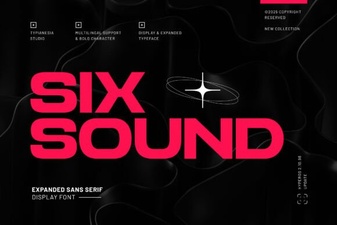 Six Sound Font Free Download - Sans Serif Display Typeface
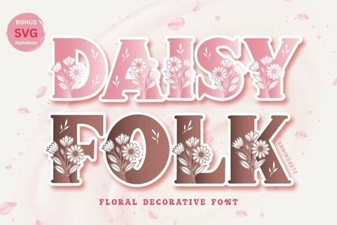 Daisyfolk Font: a Charming Hand-Lettered Typeface for Creatives
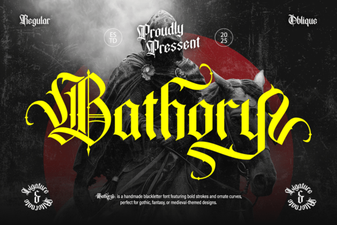 Bathory Font – Bold Blackletter Gothic Typeface Download
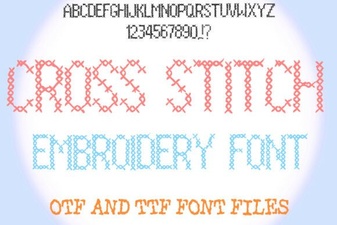 Beautiful Cross Stitch Fonts for Embroidery Projects
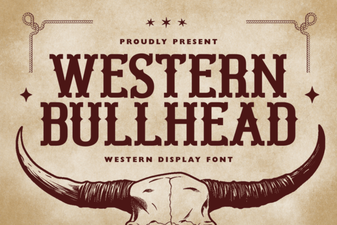 Western Bullhead Font - Free Display Font Download
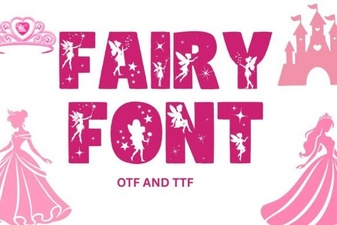 Enchanting Fairy Font Styles for Whimsical Design Projects